How to Automate 3D Printing Quoting from STL Files (Without Manual Calculations)
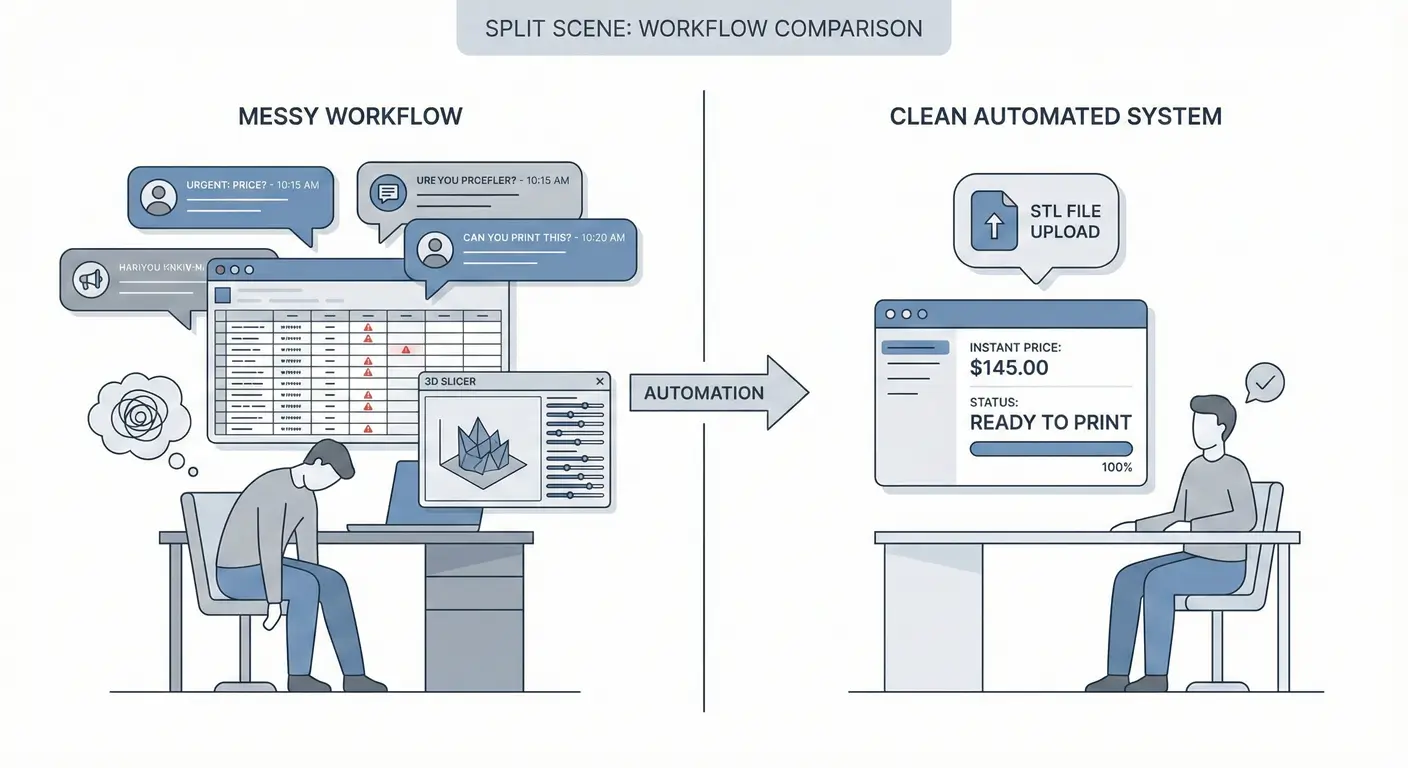
Many 3D printing studios in Indonesia still do quoting manually. However, when request volume starts to increase, this method quickly becomes a bottleneck.
If you’re a 3D printing studio owner, this workflow is probably familiar:
Customer sends STL file via WhatsApp → Admin downloads the file → Opens slicer → Slices, checks volume and time estimate → Opens pricing spreadsheet → Calculates material + margin → Types price back to WhatsApp.
Technically this works. Business-wise, it’s inefficient and not scalable.
Problems with Manual 3D Printing Quoting That Are Rarely Realized
One quote request usually takes 15-30 minutes. With 10-15 requests per day, that means 2-5 working hours are spent just calculating prices.
And that’s not including:
- STL file revisions
- size or material changes
- volume calculation errors
- filament prices that increased but spreadsheet wasn’t updated
- chats that come at night and get replied to late
The main problem isn’t admin skill. The problem is manual process that depends on humans.
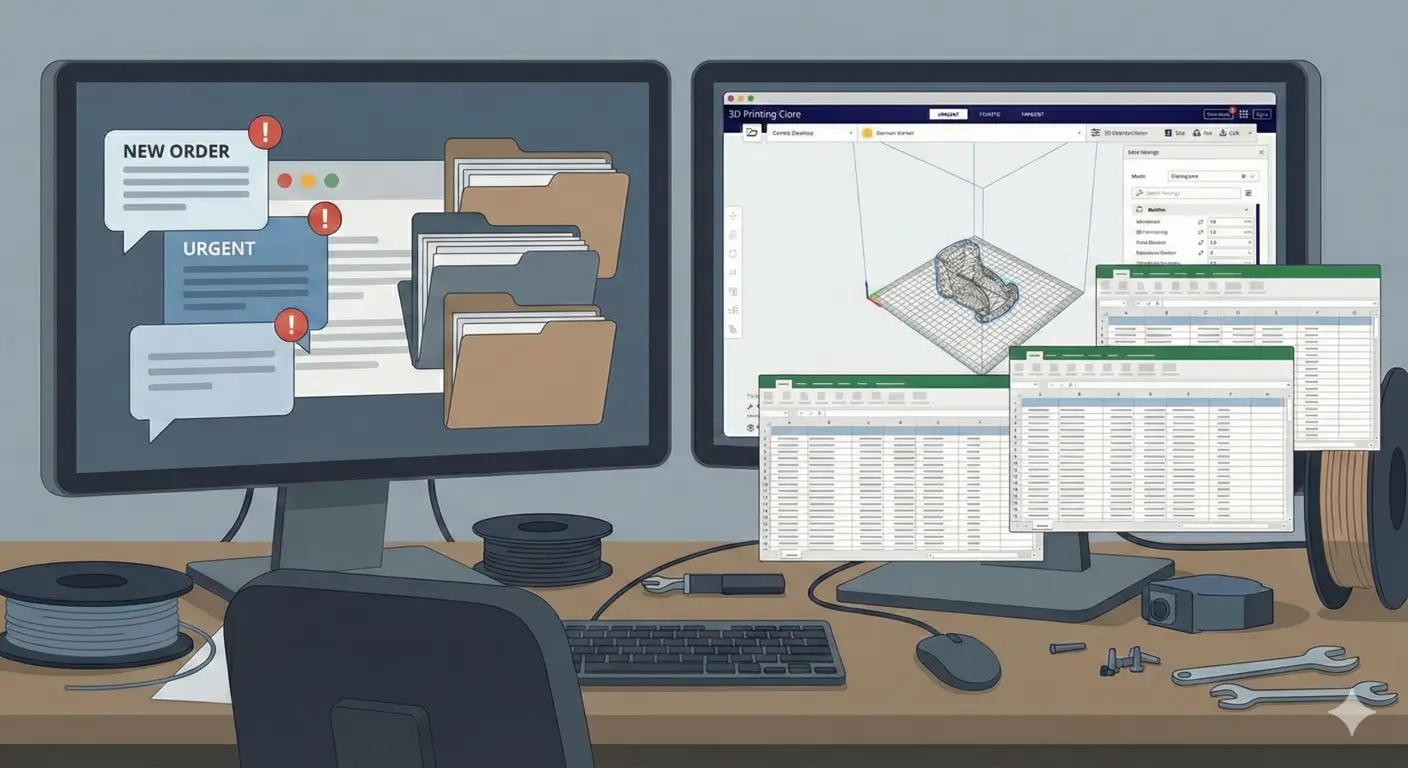 The overwhelming reality of manual quoting processes in 3D printing studios
Why STL Files Are Ideal for Automated 3D Printing Quoting
STL files are often considered just for printing. However, for quoting purposes, STL is actually very suitable.
Because:
- geometry is already final
- volume can be calculated automatically
- no need for original CAD files
- no need for design interpretation
With STL, systems can read consistent data. And if the data is consistent, prices should be calculated automatically.
What is Automated 3D Printing Quoting (Not the Marketing Version)
Automated quoting is often misunderstood as:
- AI chatbots
- complex and expensive systems
- enterprise software
But in practice, effective automated quoting is simple:
- Customer uploads STL file
- System analyzes volume and basic parameters
- Material pricing and pricing rules are applied
- Price comes out immediately
Without:
- manually opening slicer
- recalculating in spreadsheet
- copy-paste prices to chat
Process time changes from minutes to seconds.
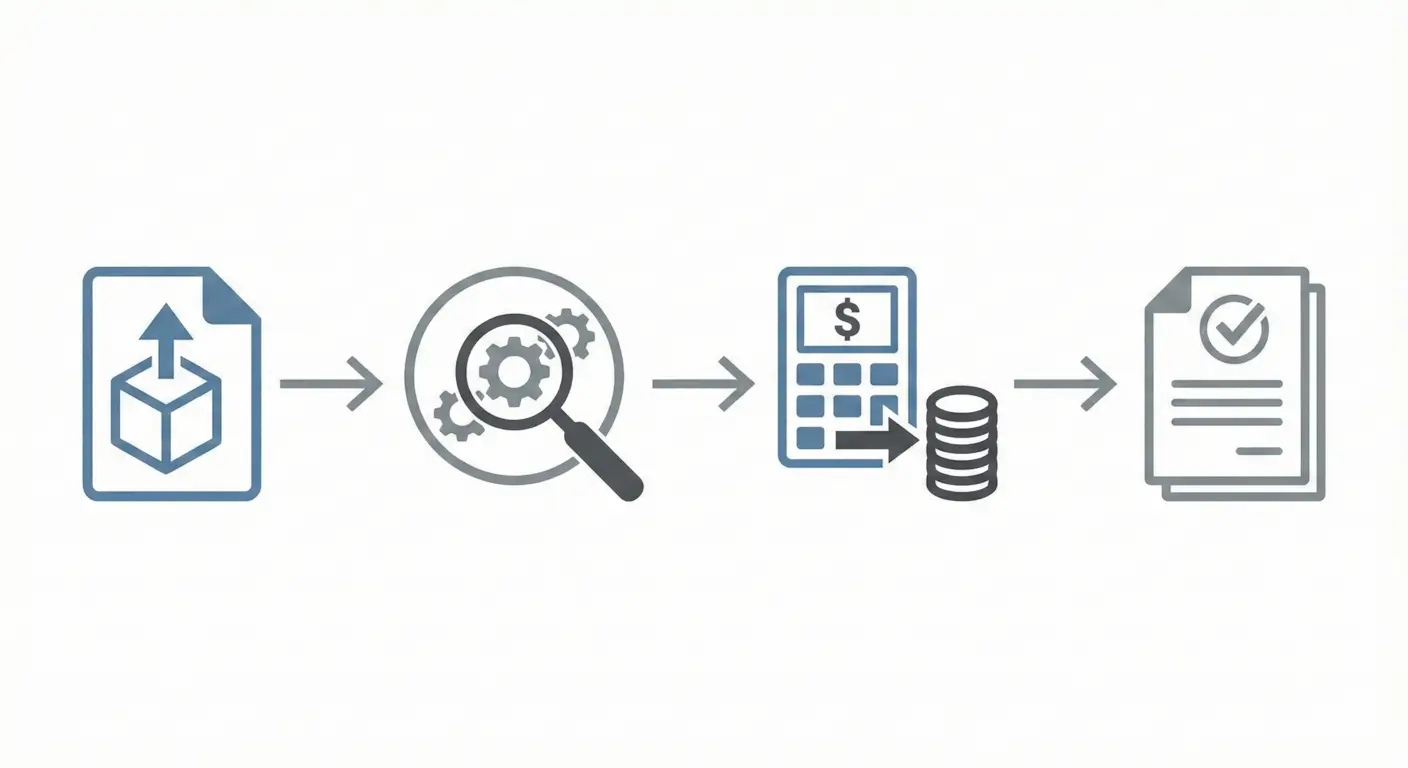 The simple 4-step automated quoting process: Upload → Analyze → Calculate → Get Price
Impact of Quoting Automation on Studio Operations
Studios that stop relying on manual quoting usually feel this change:
- Admin no longer becomes a “calculator”
- Owner doesn’t need to double-check every price
- Prices are consistent for all customers
- Faster response → conversion increases
- Margins are more controlled
This isn’t about advanced technology. This is about reducing unnecessary manual work.
Why Many 3D Printing Studios Haven’t Switched to Systems
Common reasons that come up:
- afraid of complicated setup
- afraid of losing pricing flexibility
- feel the old way is still sufficient
The problem is, the negative effects of manual quoting aren’t felt immediately. They only become apparent when:
- orders start getting busy
- admin gets overwhelmed
- margins leak without realizing
At that point, it’s not the people who are problematic — it’s the lack of a system.
From Manual Quoting to Automated System
Quotika was built from real problems in 3D printing studios:
- too many manual calculations
- too many back-and-forth chats
- too many small errors that cause margin leaks
With the approach:
- STL file-based quoting
- pricing rules set once
- consistent and fast pricing results
The goal is simple: make the 3D printing quoting process more organized, fast, and controllable.
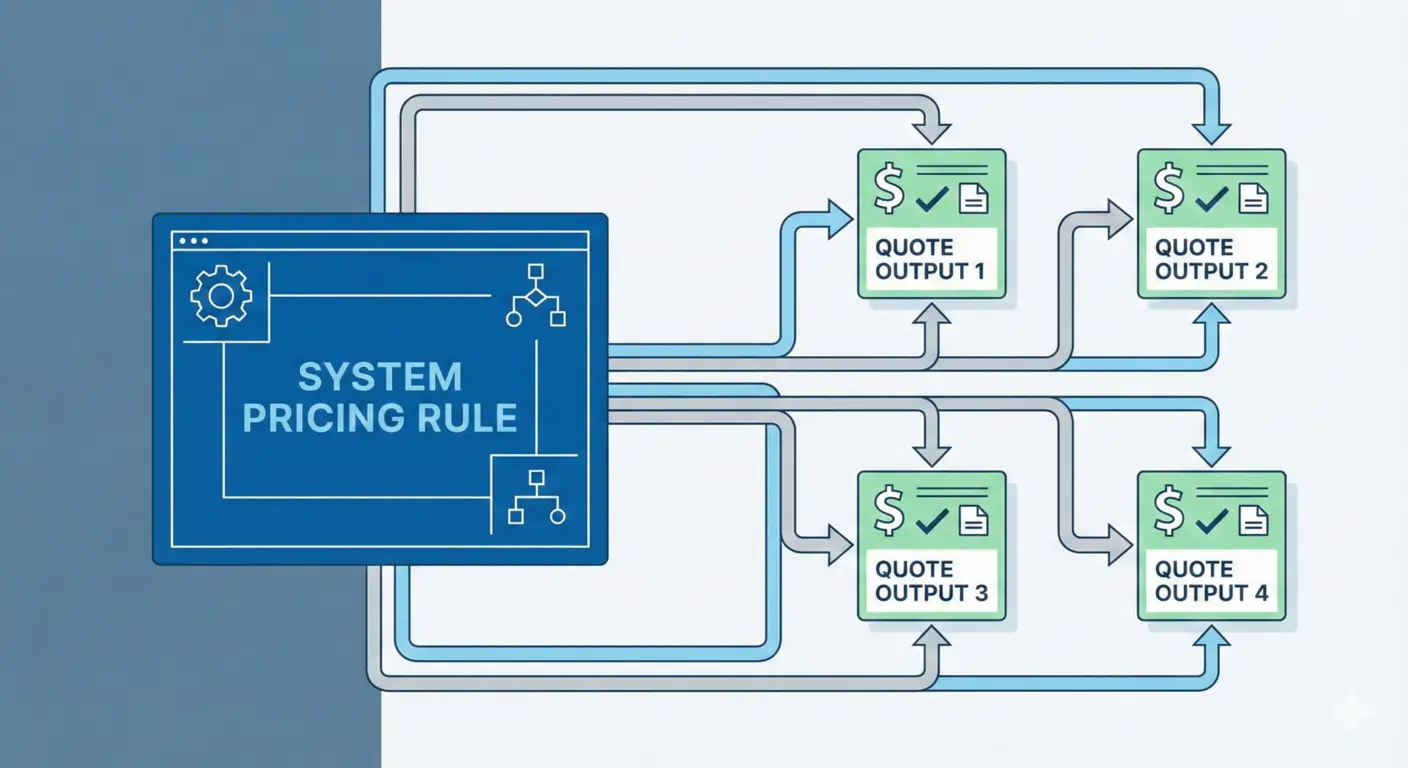 System-controlled pricing ensures consistency and eliminates margin leaks
If you’re a studio owner and feel that this manual workflow is starting to limit your business, maybe it’s time to move from habits to systems.
👉 Quotika.id Early access is still open. We need honest feedback more than praise.